How to Plan a Multi-Case Order Across Categories: A Stock-First Checklist
Plan a multi-case order stock-first: check each category page and the sale page, fix a case count per category, confirm the delivery window and that an adult can sign, then review the combined totals before checkout. Changing the order keeps out-of-stock substitutions from deciding the order for you.
The checklist at a glance
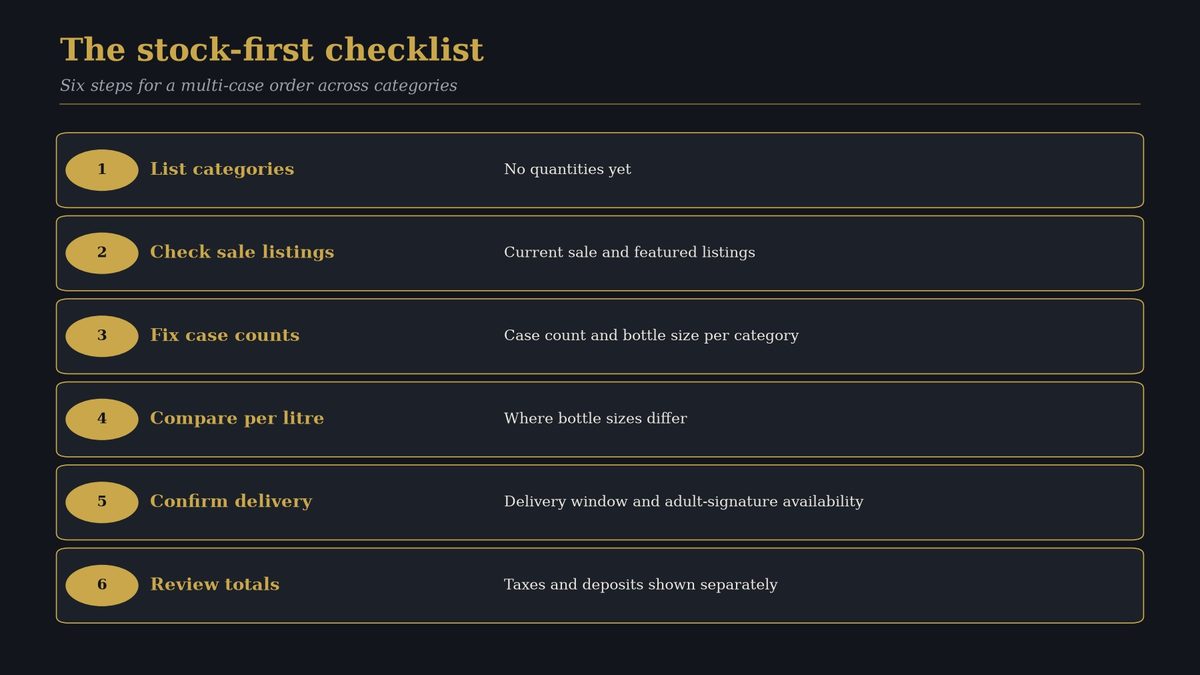
| Step | Action | Where to check |
|---|---|---|
| 1 | List the categories you need, without quantities yet | Wine, vodka, tequila and other category pages |
| 2 | Check current sale and featured listings | Sale and biggest sales |
| 3 | Fix a case count and bottle size per category | Product listings in each category |
| 4 | Run a price-per-litre comparison where sizes differ | Price-per-litre calculator |
| 5 | Confirm delivery window and adult-signature availability | Delivery |
| 6 | Review combined totals, taxes and deposits separately | FAQ and how case pricing works |
Step 1: Start with categories, not products
Write the order as categories first — for example wine, a white spirit and a dark spirit — then choose listings inside each category. This mirrors how the catalogue is organised, starting from the home page, and makes a stock check faster. If one listing is unavailable, another listing in the same category can be considered without rebuilding the whole order, subject to what is listed at the time.
Step 2: Check stock before quantities
Open each category page and note which bottle sizes and case formats are actually listed. Case formats differ by category, as set out in liquor bottle sizes. Only then fix quantities. If a case shows as unavailable, what “sold out by the case” means explains the stock-count mechanics. This post does not use guest-count maths; that method is owned by the wedding planning post in batch 01 and is not repeated here.
Step 3: Compare like with like
Where the same category is listed in 700 ml, 750 ml, 1.14 L or 1.75 L bottles, use the price-per-litre calculator rather than comparing case totals directly. Keep taxes, deposits and delivery charges as separate lines, following how case pricing works.
Step 4: Confirm delivery practicalities
You must be of legal drinking age in your province. ID and adult signature required at delivery.
Step 5: Review the combined order
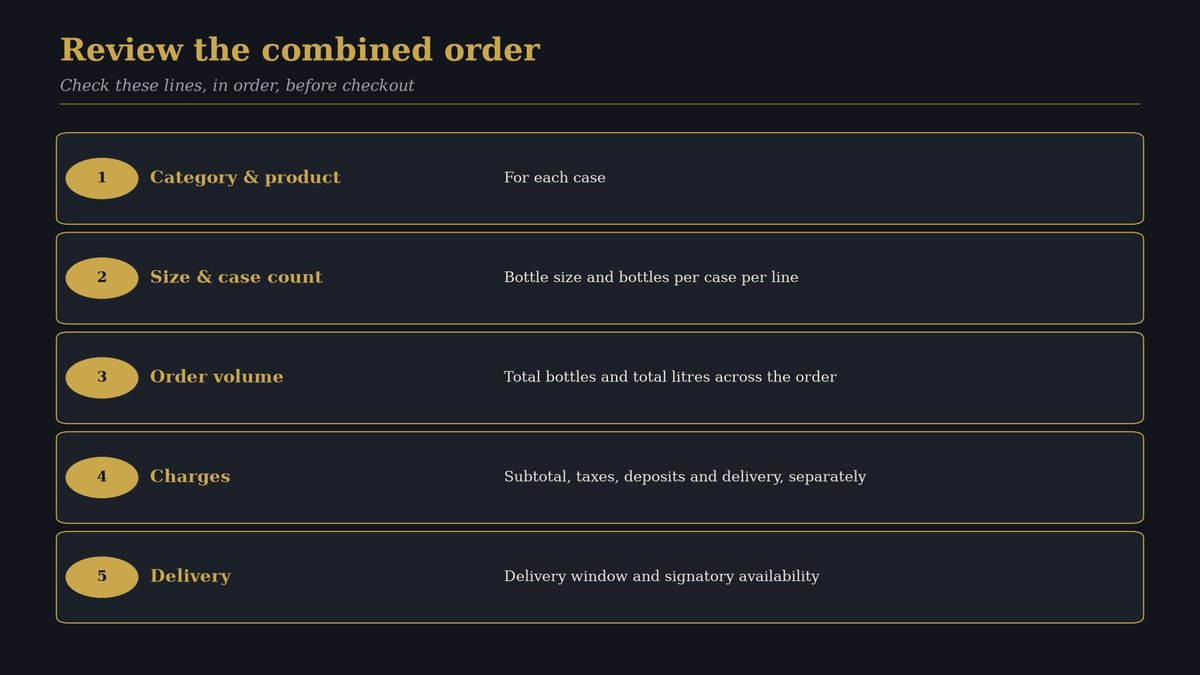
Check, in order:
- Category and product for each case
- Bottle size and bottles per case for each line
- Total bottles and total litres across the order
- Subtotal, taxes, deposits and delivery charges shown separately
- Delivery window and signatory availability
Browse starting points: wine, vodka, tequila, sale and biggest sales.
Frequently asked questions
What does stock-first mean?
Checking which categories, sizes and case formats are listed before fixing quantities, so the plan is built on available stock.
How do I compare cases of different bottle sizes?
Divide each case total by its total litres. See the price-per-litre calculator.
Where are current discounts listed?
On the sale and biggest sales pages.